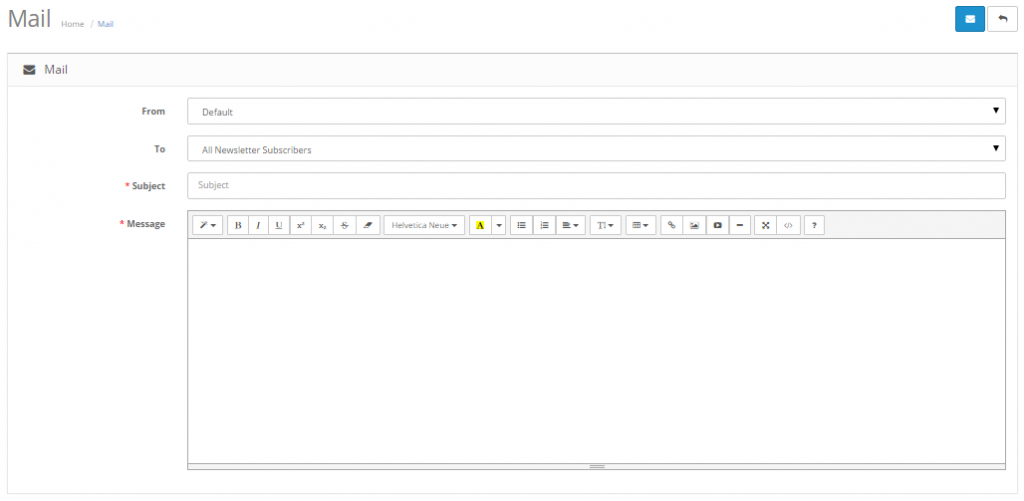
Emailing a customer group
The Mail system in OpenCart lets you send emails to specific customer
groups. You can use this feature to send newsletters, information on
specials, or to communicate any type of store information to select
groups of customers. Customer groups are especially useful in emailing
specific groups of people instead of every customer stored in the
administration. For more information on how to create a customer group,
see Customer Groups. The Mail page can be accessed from Marketing > Mail.
Select the customer group in the “To:” field, create a subject for the
email and a message, and click “Send”. This email will be sent to all
the customers with this specific customer group selection.