EDITING THE FOOTER
The first step is to setup a child theme for your theme.
Never edit your original theme!!
Editing the footer requires either modifying the code in the footer.php file or making style changes in style.css or both. So in this brief tutorial, we’re going to remove the “Powered by WordPress” sentence in the bottom part of the footer and replace it with custom copyright info and the date.
Copy the footer.php file in the main theme folder and paste it into your child theme’s folder. Open it in a code editor.
Remove the line that starts with anchor tag a (line 19):
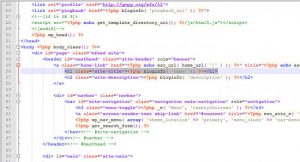
This is a hyperlink that takes you to the WordPress.org website when clicked on. Change it to your information.
However, some template’s footer.php content is different. All you have to do is find out which code is belongs to “Powered by xxxx”, then replaced it by ” <p>Copyright © 2012, My Personal website. All right reserved. | by John Doe Web Master</p>
This is how you edit footer of a WordPress theme. Remember, all edits should be done on child theme files; otherwise, you will lose all changes if the main theme is updated. If you only want to make layout changes, edit the style.css file only and leave the template files.