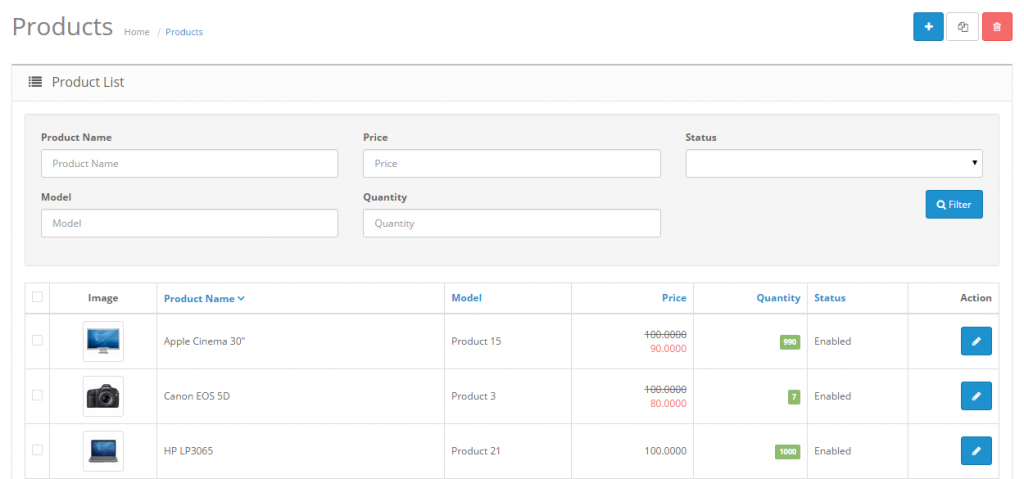
Filter is a handy tool used regularly throughout the OpenCart
administration. You may type into one of the information field for the
item on the item list. Pressing Filter will “filter out” all the items
in the list that do no match the criteria entered in the space, leaving
only the items that match. With Filter, you can quickly locate any
information stored in list form. Products, Categories, Customers,
Reports, Orders, and more all use Filter as the main search tool to
locate items in a list.
For examples, if you would like to look up a product in the product
list, you can use “Filter” as a shortcut to search for that product.
This can be helpful when there is large amounts of product and you would
like to edit a specific product without having to browse through every
page for it. The search boxes are located in the first row above the
product list.

In the screenshot above, “nikon” is typed into the “Product Name”
information field. “Filter” only displays what matches “nikon”. The
Nikon D300 is the only product displayed because it is the only product
name containing the words “nikon” in this shop. If the “nikon” wording
was present in more than one product name, the “Filter” button would
display all of them.