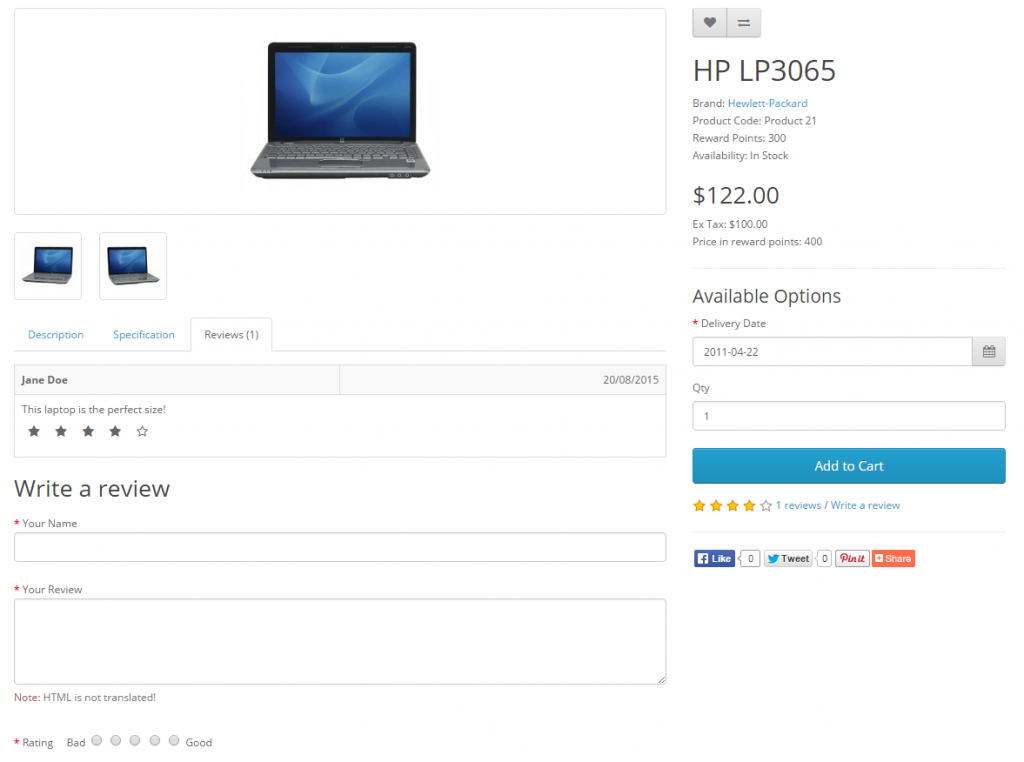
Product reviews can be both submitted and viewed by customers on the
product page. A customer can fill out a review form and submit it to be
approved for publication on the site.
In the Dashboard the administrator can view how many customer reviews
are awaiting approval in the Overview section. To approve these
reviews, the administrator may visit Catalog > Reviews, select the
review, and click “edit”. OpenCart will display the author, product, and
text review in separate text boxes. Selecting “enabled” under status
will make the review publicly available on the product page.

| We can’t recommend the editing of customer submitted reviews, even though there is a space to. The point of having reviews is to receive customer input on that specific product to help other customers make an informed decision with their purchase. If you would like to to disable reviews altogether, you can visit the System > Setting, choose your shop > option |
The result of a customer review approval can be seen in the screenshot
below. Every review is made publicly available on the product’s main
page after administrative approval. The average rating per product is
tabulated by OpenCart and shown out of 5 stars under ‘Available
Options’.
