Adding new downloads
This section is only applicable to you if you sell digital products,
or products that have a downloadable component such as a PDF User Guide
or similar. To insert a new download, you must give the downloadable
product a name, upload the file, and set an allowance for the number of
downloads per customer. The mask option allows the administrator to give
the file a different visible filename. Press “Save” to submit the
download information and save it.

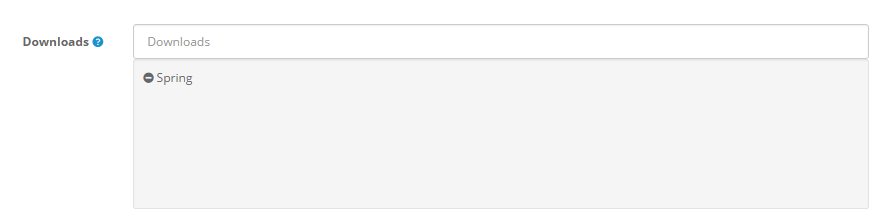
With the download created, it must be manually added to the each
individual product that the download will be included with. See Links to learn how to add a download to the product.

The downloadable file will not be shown on the product page. Therefore,
it is a good idea to describe how the customer will receive their
download in the product description on the product page. The download
will be provided for the customer once their purchase is complete. They
should be advised to visit “My Account” > “My Orders” >
“Downloads” (as seen below) to view their downloadable products. They
will have the opportunity to download the file as many times as it was
specified under “Total Downloads Allowed”.