Local

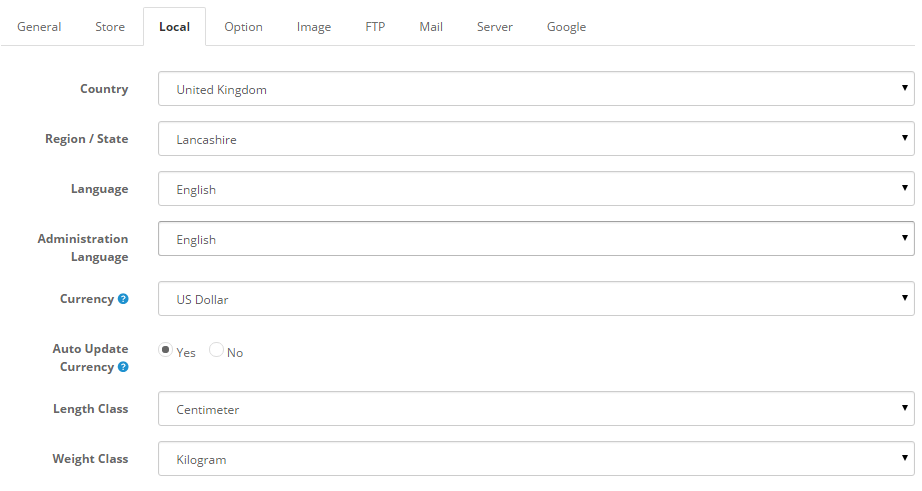
The local tab under Settings displays the following fields:   Country: The country the store is located in. Region/State: The region or state the store is located in. Language: The language that the store front will be displayed in. Administration Read More

Store

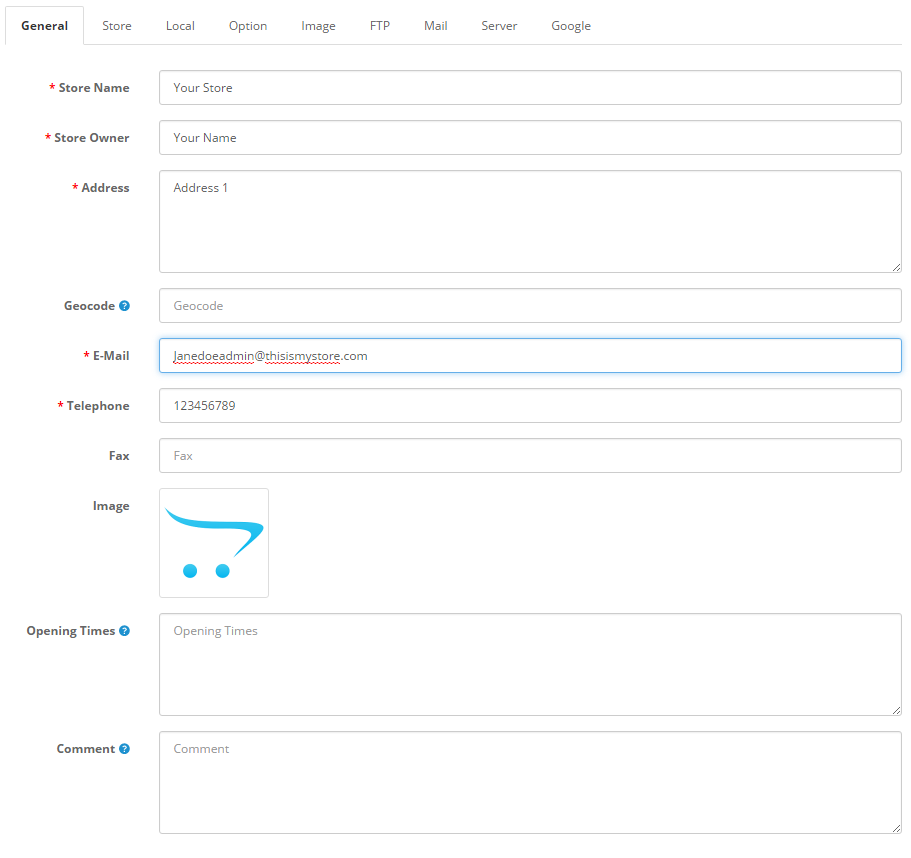
The store tab under Settings displays the following fields: Store name: The name of the store. This information will be displayed in the Contact Us page under the Customer Service section of the footer. Store owner: The name used in Read More

Set up Customers

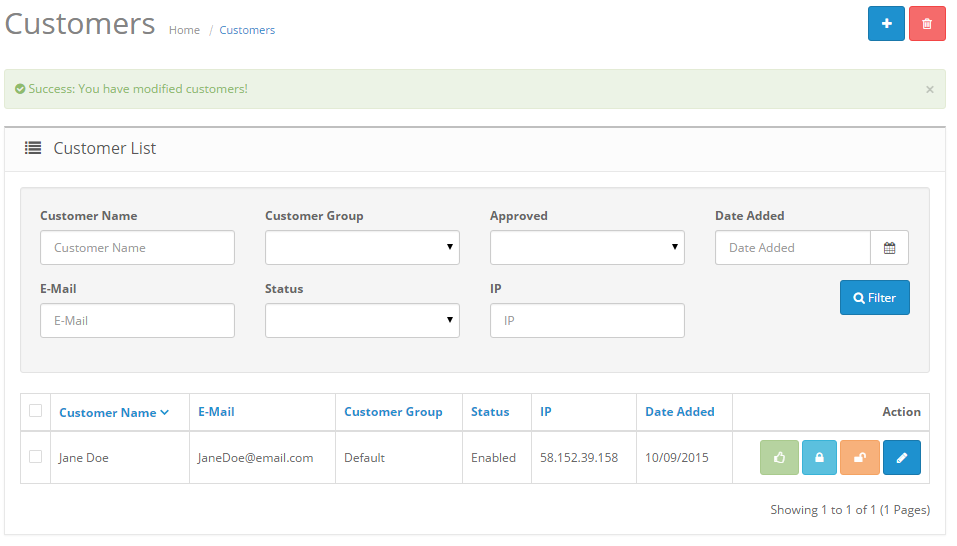
Managing customers   Shop owners should know who their customers are and how to manage their information. In the administration, customer information will need to be stored efficiently to remember any transactions made with their account. To access customer information, Read More

Banners

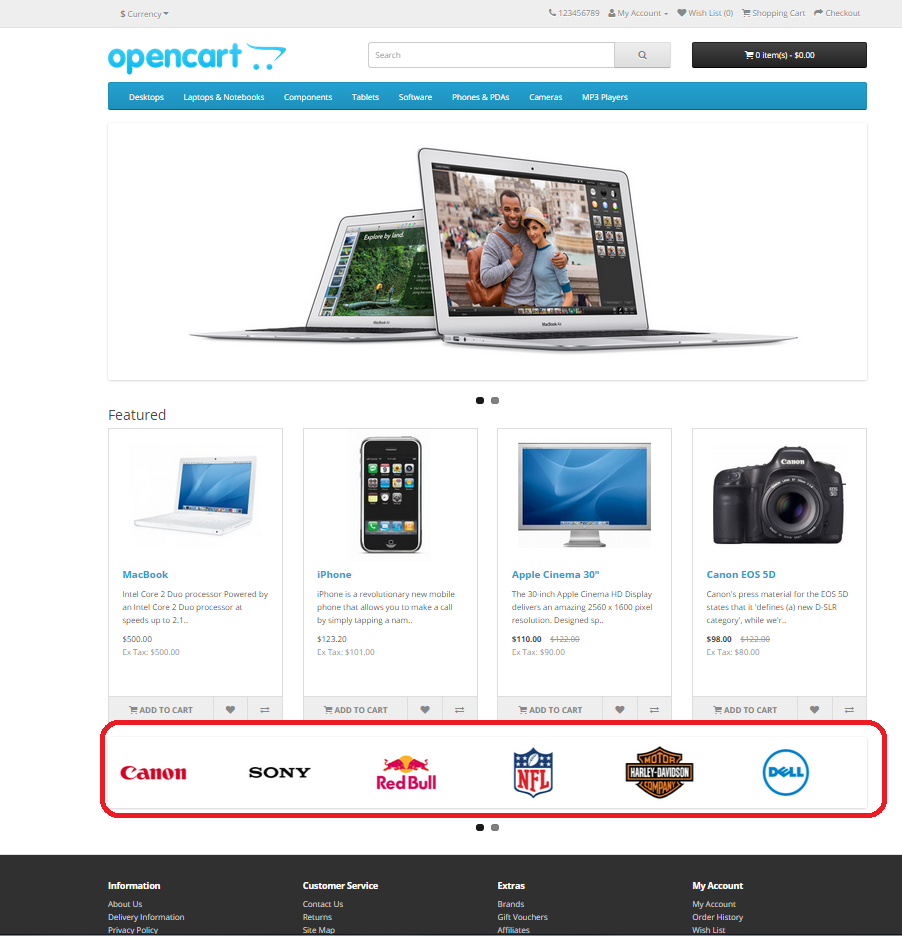
Banners are pictures containing linkable images displayed in the store’s store front. Banners can be utilized to catch the customer’s eye and direct them to special products in the store. The Banners page under Design>Banners lets you customize the images Read More

Layouts

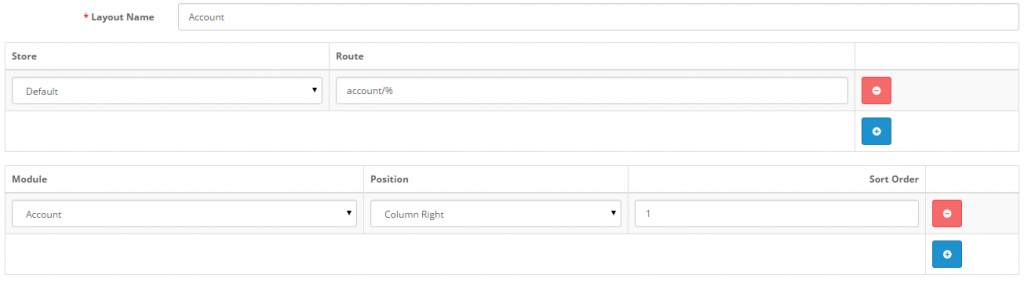
The OpenCart default store provides the following page layouts:   Account Affiliate Category Checkout Contact Default Home Information Manufacturer Product Sitemap   If you haven’t done so already, you should take some time to browse the store front. To become Read More

Set up Information

The Information section displays specific company information in the footer of every page (as seen in the screenshot below). See Information for more information on the footer page.   The Information page can be found under Catalog > Information. On Read More