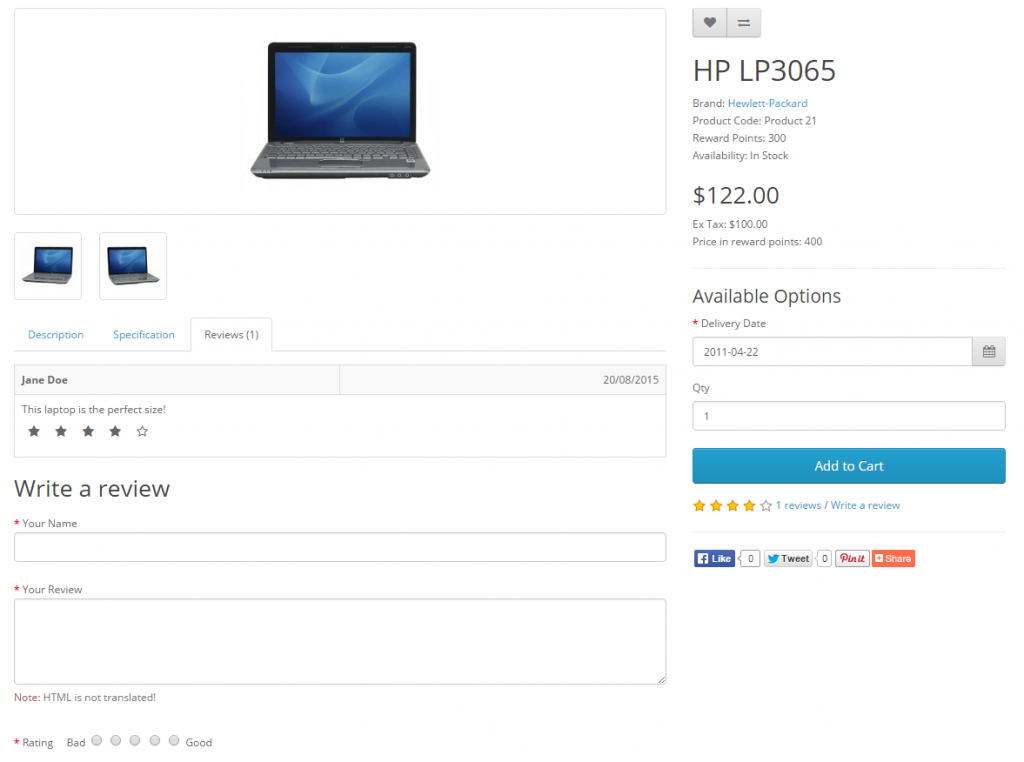
Set up Reviews
Product reviews can be both submitted and viewed by customers on the product page. A customer can fill out a review form and submit it to be approved for publication on the site. In the Dashboard the administrator can Read More
If you meet any problems with website installation, you are in the right place.
Product reviews can be both submitted and viewed by customers on the product page. A customer can fill out a review form and submit it to be approved for publication on the site. In the Dashboard the administrator can Read More
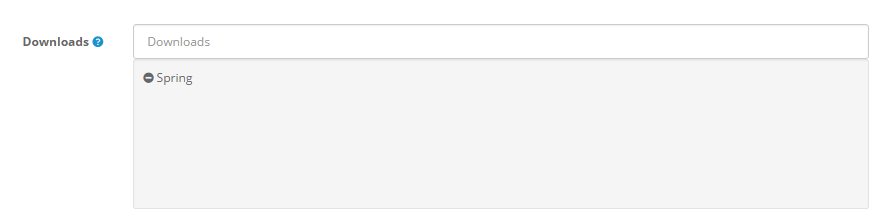
Adding new downloads This section is only applicable to you if you sell digital products, or products that have a downloadable component such as a PDF User Guide or similar. To insert a new download, you must give the downloadable Read More
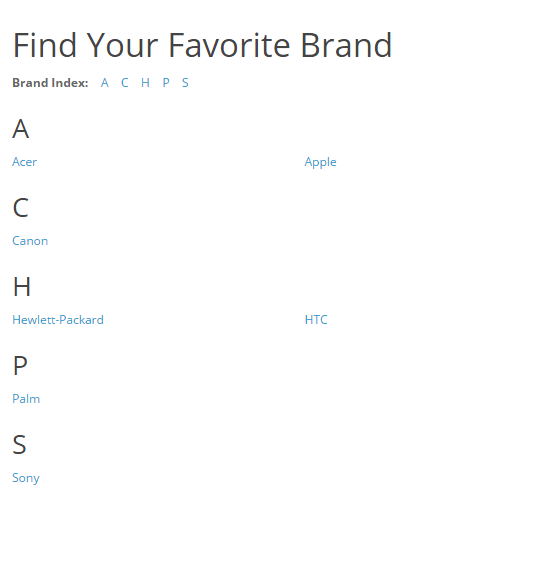
The Manufacturer section is used to categorize products by manufacturer. This section can be accessed under Catalog > Manufacturers. The Manufacturer names below came with the install. They can be deleted, and new manufacturer information can be added in Read More
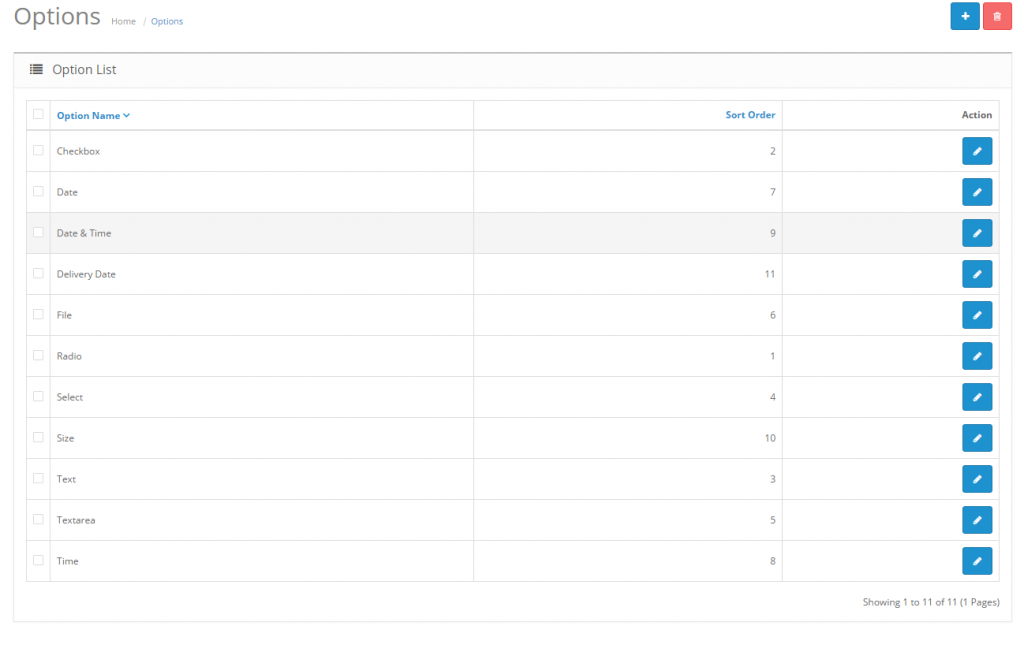
File type The file type requires the customers to upload a file of their own before adding the product to their cart. In our example, we want the customer to upload an image file before checking out so Read More
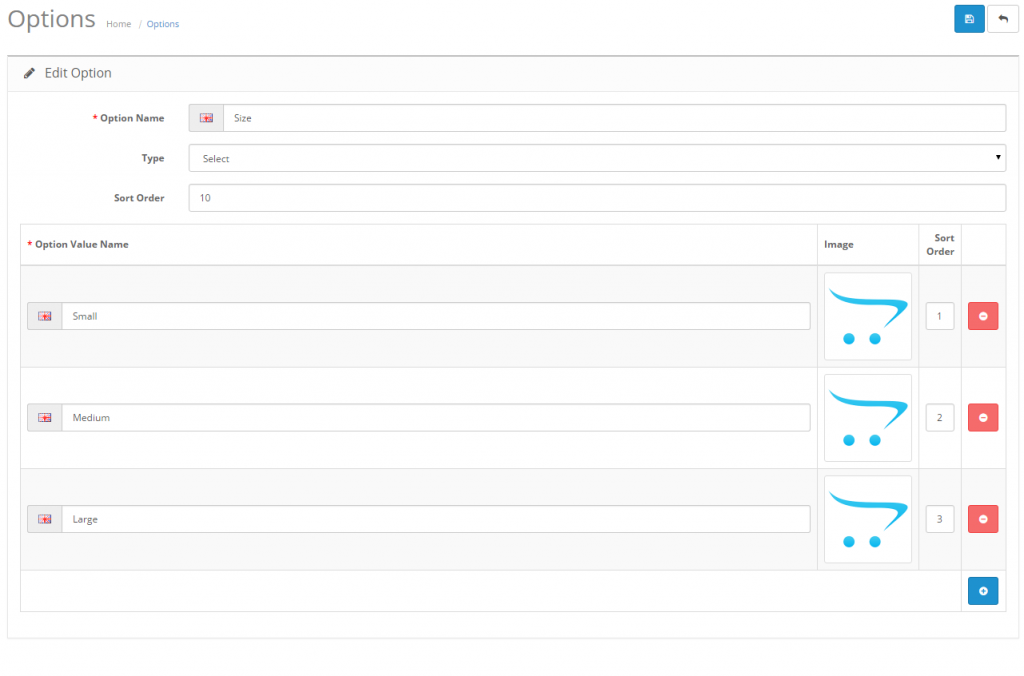
The Options section, under Catalog, lets you customize what details the customer sees when checking out a product. On the product page, the “Available Options” section is displayed under the price. The option for that product must be selected before Read More
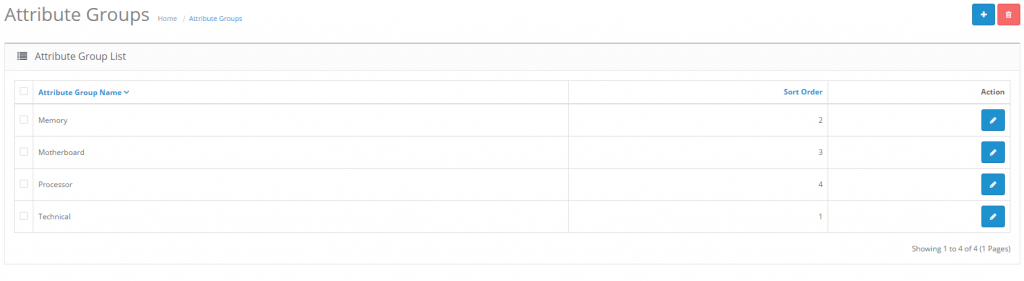
The attributes section lets you edit the attributes compared between products in “Product Comparison”. When viewing products in the store front, customers have the option to add products to “Add to Compare” to analyze the similarities and differences between products Read More
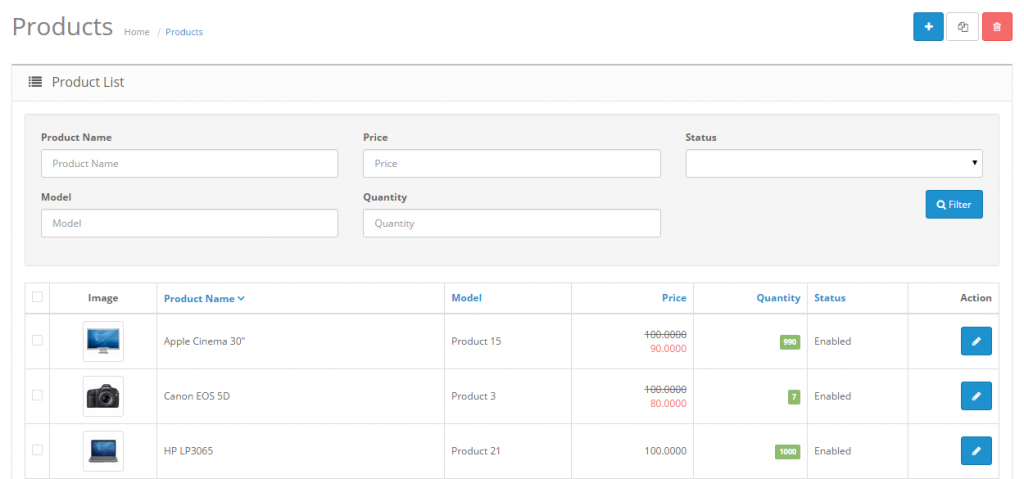
Filter is a handy tool used regularly throughout the OpenCart administration. You may type into one of the information field for the item on the item list. Pressing Filter will “filter out” all the items in the list that do Read More

you choose to Insert a new profile, you will see the following options: Adding New Profiles Profiles are a new, optional feature in OpenCart 1.5.6. They allow you to set up recurring payments for your customers. Profiles are useful if Read More
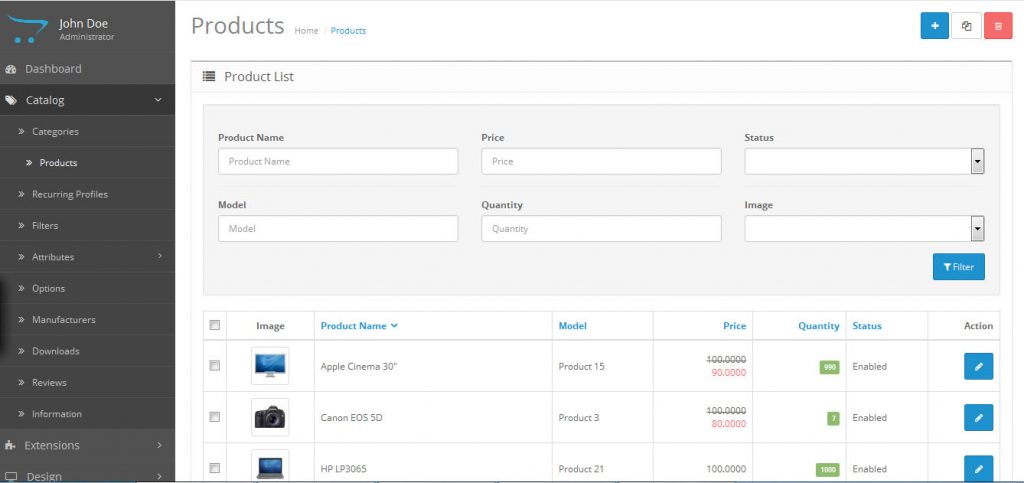
How to set up Products 1. Go to Categories List, click “Products” 2. At the Products page, Click the “+” button which is at the top right hand corner. General: The format of the General tab is identical Read More
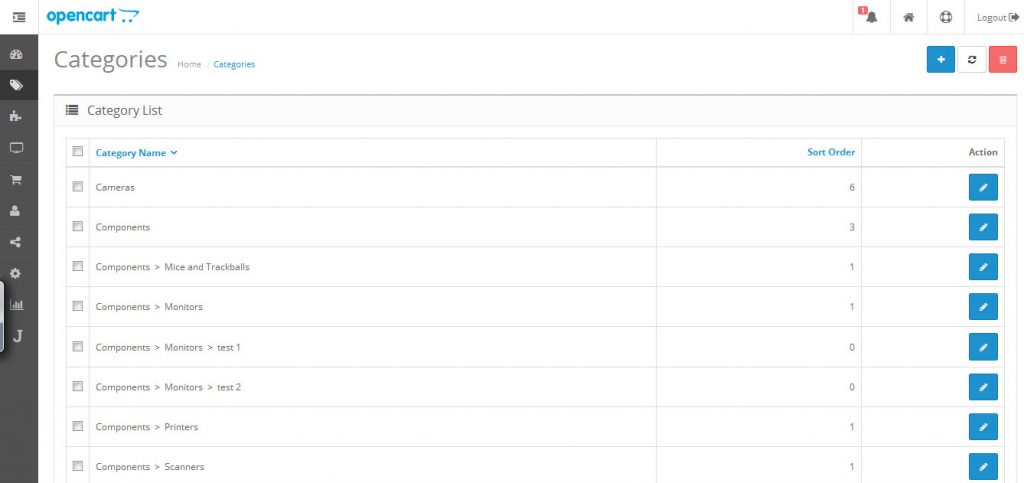
How to set up Categories 1. Go to Catalog, and click “Categories”. 2. In “Categories” page, Click the “+” button which is at the top right hand corner. General Category Name: fill in your category name Description: Description your category Read More