
Customer’s Custom fields in Opencart
In OpenCart 2 you can easily add new fields in the customer registration form, which will be visible in the registration page, on the checkout page and even when a guest customer makes a purchase. Adding custom field In Read More

Set up Customer Groups
Customer Groups provide a greater organizational scheme for the customer list. This is helpful in selecting customer groups for discounted products and specials in the store; and for sending out emails to select customers. Adding a new customer group Read More
Set up Customers
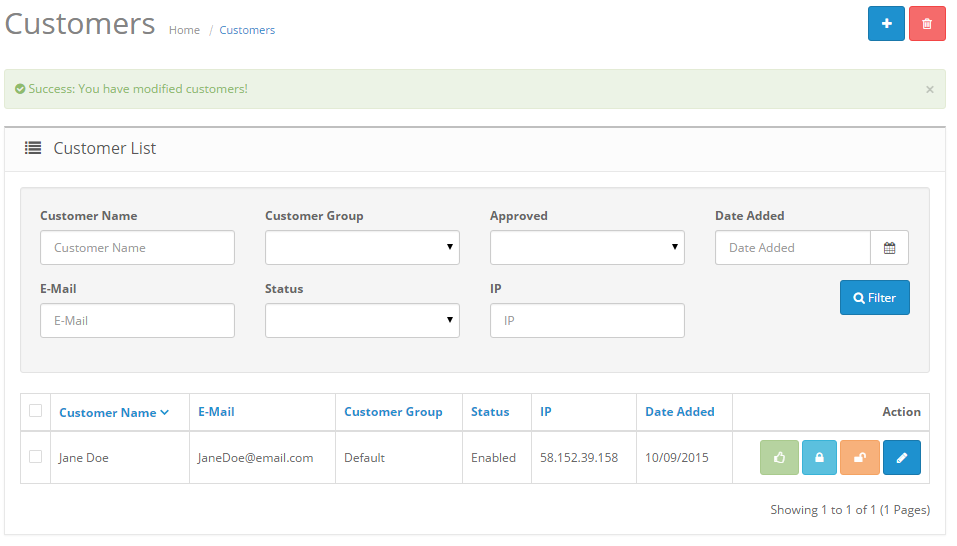
Managing customers Shop owners should know who their customers are and how to manage their information. In the administration, customer information will need to be stored efficiently to remember any transactions made with their account. To access customer information, Read More

Set up Information
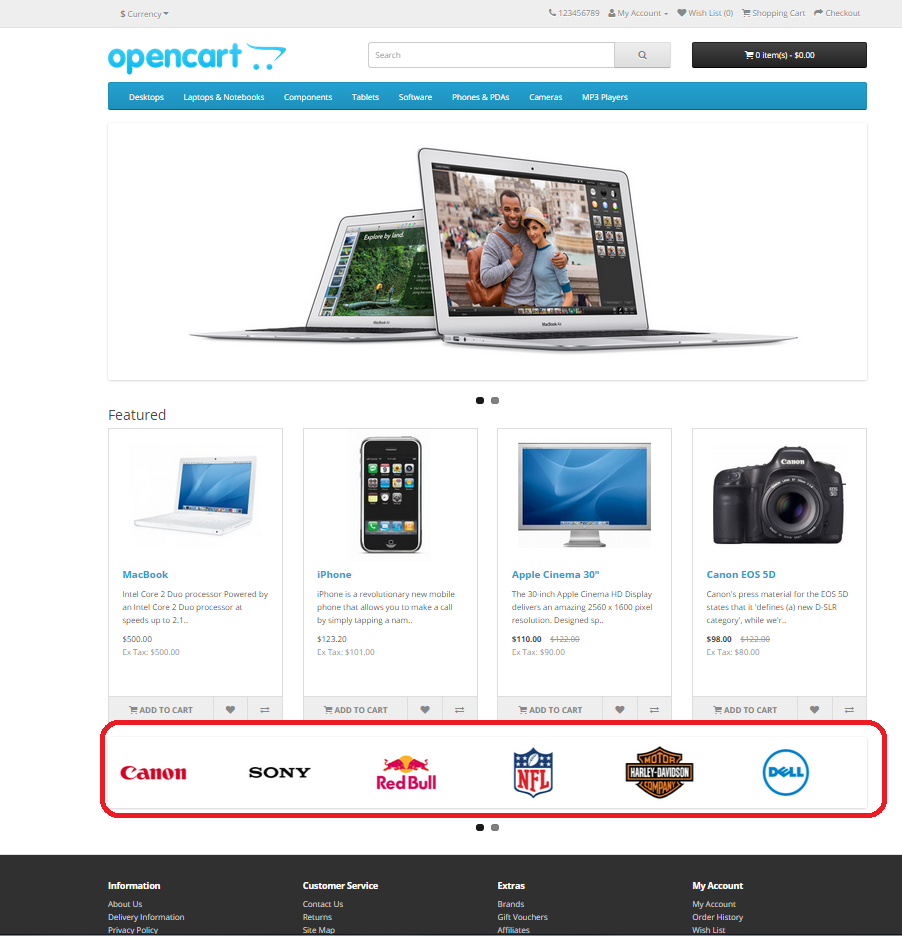
The Information section displays specific company information in the footer of every page (as seen in the screenshot below). See Information for more information on the footer page. The Information page can be found under Catalog > Information. On Read More
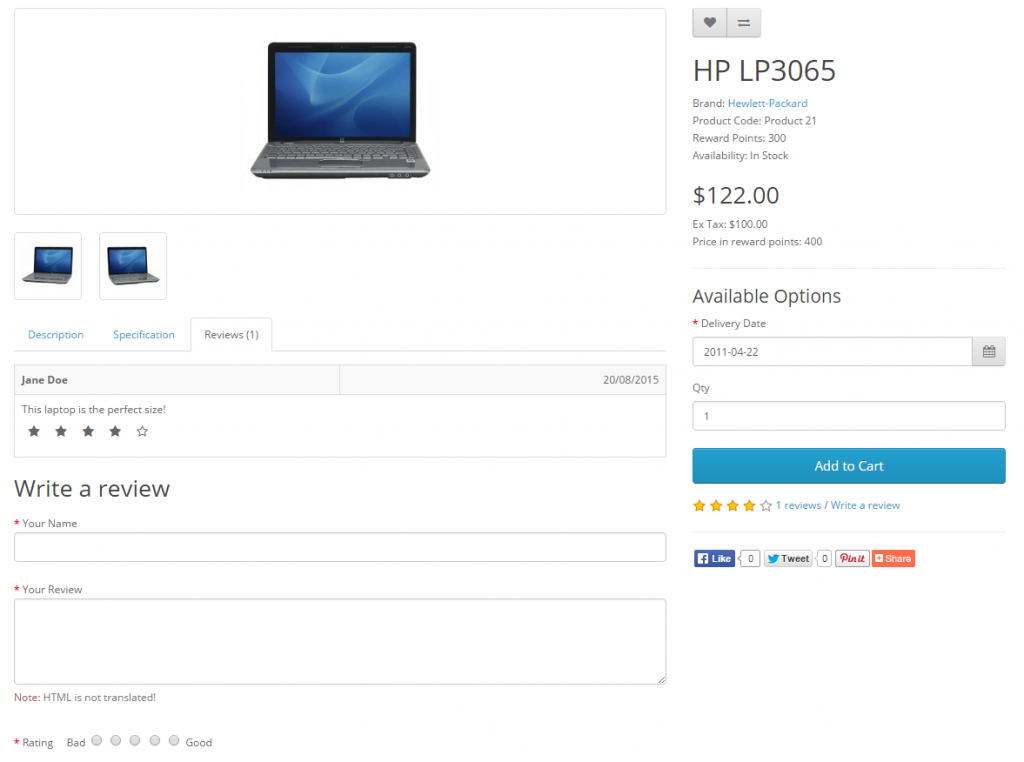
Set up Reviews
Product reviews can be both submitted and viewed by customers on the product page. A customer can fill out a review form and submit it to be approved for publication on the site. In the Dashboard the administrator can Read More
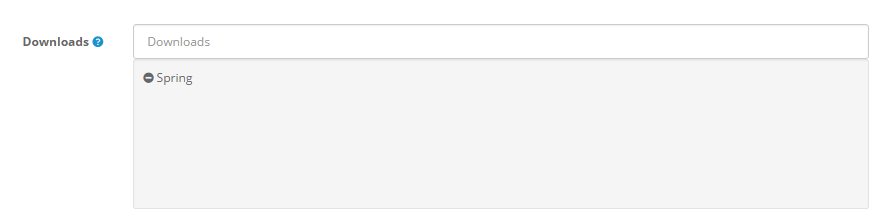
Set up Downloads
Adding new downloads This section is only applicable to you if you sell digital products, or products that have a downloadable component such as a PDF User Guide or similar. To insert a new download, you must give the downloadable Read More

Set up Manufacturers
The Manufacturer section is used to categorize products by manufacturer. This section can be accessed under Catalog > Manufacturers. The Manufacturer names below came with the install. They can be deleted, and new manufacturer information can be added in Read More